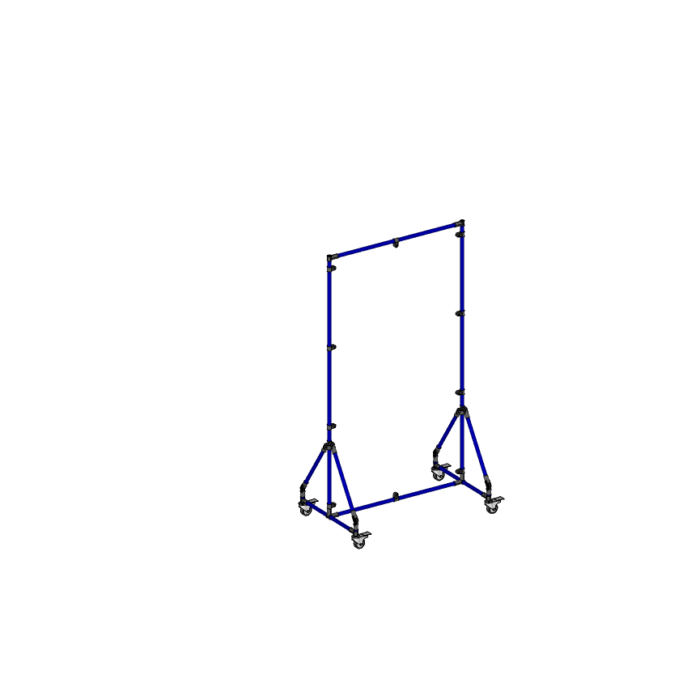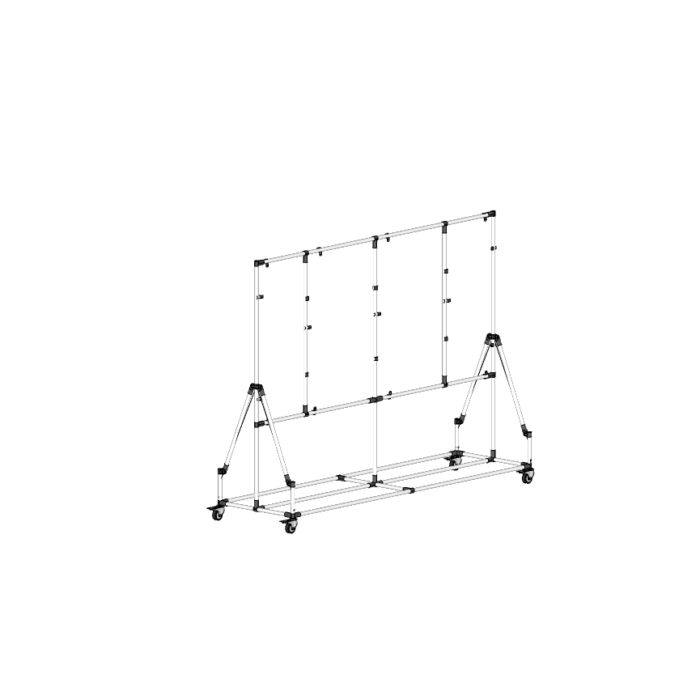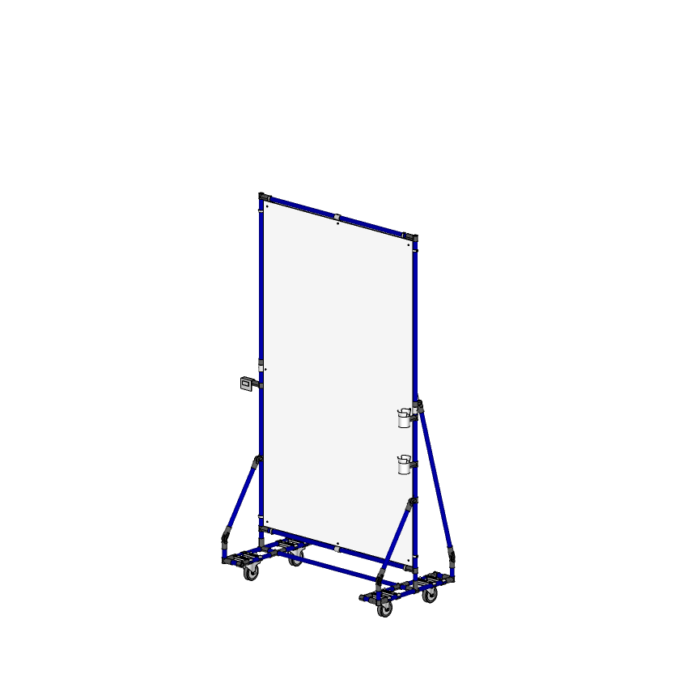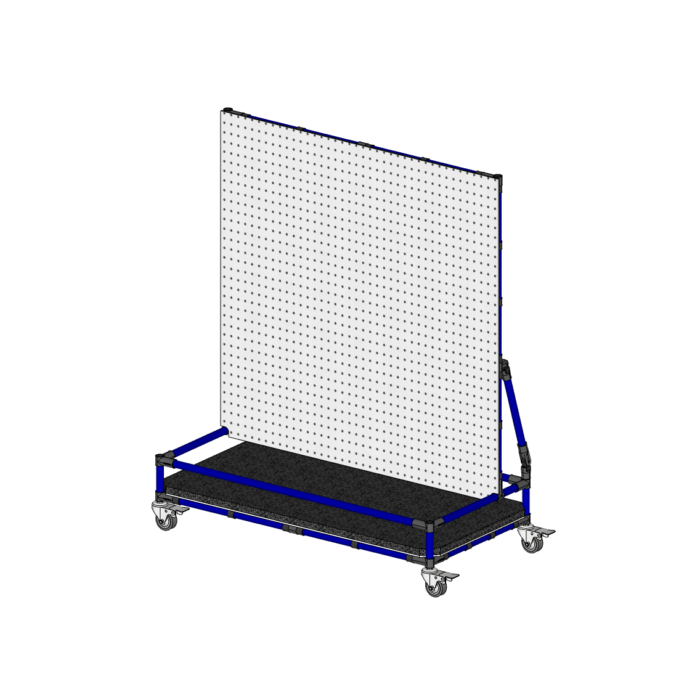
Displaying key performance indicators (KPIs) and critical process information directly on the shop floor is a proven way to improve coordination, visibility, and employee engagement in lean manufacturing environments.
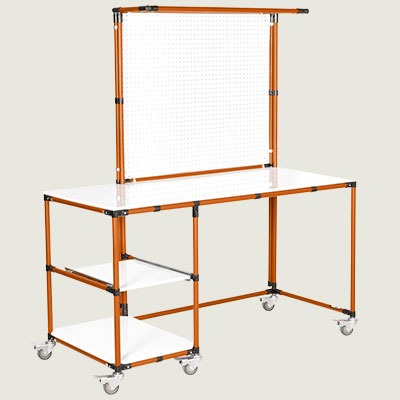
Flexpipe’s lean visual boards are built from modular pipe-and-joint systems. They are customizable in size, orientation, and mobility, allowing teams to create visual management structures that match the realities of their production layout.
A lean visual board is used to make KPIs, shift data, safety metrics, and improvement goals visible to frontline teams. Whether mounted at a workstation or on wheels for mobility, these boards improve operational clarity and reduce reliance on verbal communication.
They are commonly used for:
In a visual workplace, everyone sees the same goals — and reacts faster to changes
Your employees should feel they play an important role in the company’s success in addition to being mindful of the results and goals of your organization.
Wanting to put a man on the moon way back in the 60s certainly illustrates this point
On May 25, 1961, President John F. Kennedy delivered a rousing speech before a joint session of Congress challenging all Americans to send a man on the moon before the end of that decade. He exhorted the audience to believe in, and stand behind, the project stating that every worker’s contribution is valued, regardless of the form it may take. During a visit to the NASA Space Center in 1962, the President noticed a janitor carrying a broom. He interrupted his tour, walked over to the man and said,
“Hi, I’m Jack Kennedy. What are you doing?”
“Well”, Mr. President, the janitor responded, “I’m helping put a man on the moon”.
That janitor had clearly taken President Kennedy’s message to heart.
Innovation goes hand in hand with creating a work environment where everyone feels valued for their input. Using the feedback your employees give you to custom-make user-friendly equipment will ultimately make reaching your goals much easier.
Managing through visual cues benefits workers, new employees learning the ropes, as well as clients touring the plant. When you arrive in a factory, and you can see the process, the objectives and the actual results, explaining and motivation become much easier.
Modular visual management boards come in a range of display structures, each designed to help teams communicate key performance indicators (KPIs), status updates, instructions, and daily goals across different work environments.
Flexpipe’s modular system allows you to build visual display boards in single-sided, double-sided, or multi-panel configurations — all of which can be sized, positioned, and updated to fit your operational needs. Each modular board is built to support flexibility: you can swap and change content whenever required, and add or remove display panels, magnetic overlays, or dry-wipe surfaces as your workflow evolves.
Below is an overview of the most commonly used modular KPI board structures:
Every modular display is built using pipe-and-joint frames that ensure durability, reconfigurability, and futureproof layout integration — whether you’re managing a healthcare facility, a pharmaceutical site, a food production floor, or a distribution warehouse.
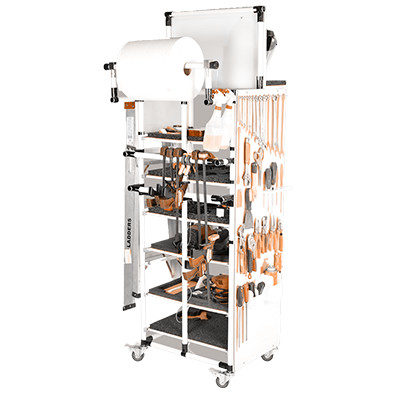
Point-of-use boards, also called shadow boards, are modular visual management boards designed to organize and display tools, parts, or documents exactly where they’re needed. They support 5S principles by ensuring standard placement, reducing motion waste, and making workstations audit-ready.
This board helps teams visually manage tools or materials required at a specific workstation. Each item is stored in a defined space using a magnetic or outlined display, improving consistency and reducing search time.
Applications:
Point-of-use shadow boards are essential for environments that require precision, repeatability, and rapid access to the right tools, especially in lean, regulated, or fast-paced production settings.
Rotating display boards offer maximum content in a minimal footprint. Each unit includes four pivoting frames, yielding up to eight usable display surfaces. This configuration is built for dense communication zones or shared spaces where wall mounting is limited.
Bear in mind that 8-faced boards are trickier to build than other board structures. Make sure to have the building experience or the help of a Flexpipe expert when starting the design of structures like this.
It’s used to organize large volumes of content in areas with space constraints. The rotating panels allow for efficient content rotation and daily updates without increasing footprint.
Applications:
Ideal for high-traffic spaces where multiple teams need access to different KPIs or visual content, this rotating structure is both space-efficient and functionally rich.
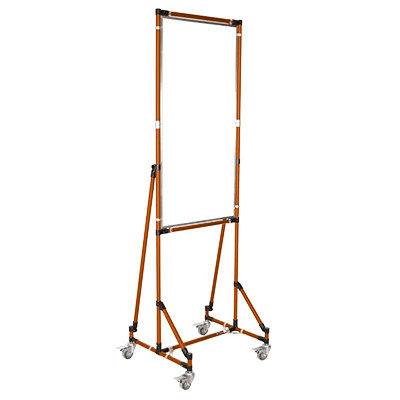
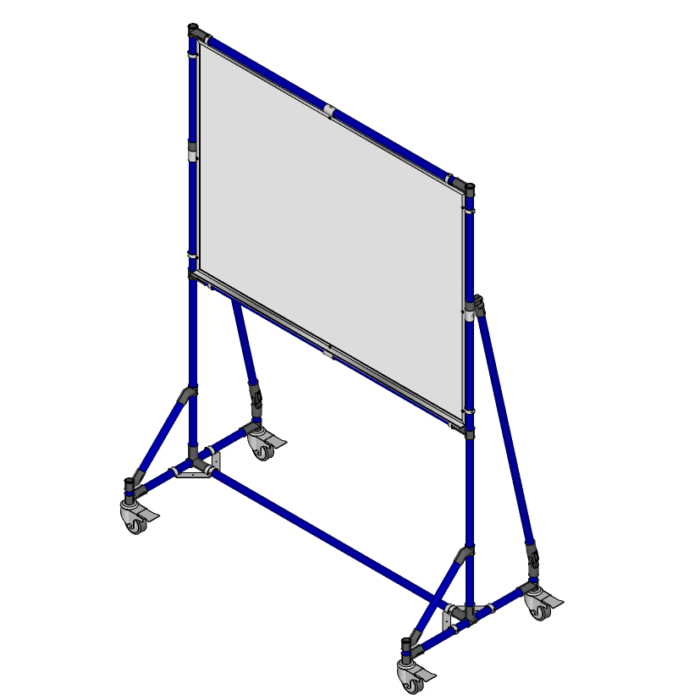
Meetings should never be reserved solely for conference rooms or offices. Meeting space boards let you quickly organize a meeting where and when you need to. Mobile modular boards are designed for quick repositioning across the shop floor. Built with caster-mounted frames, they allow teams to bring data, updates, or coaching tools directly to the point of use.
These boards support dynamic team communication and flexible visual management where fixed boards can’t reach.
Applications:
When flexibility is essential and static displays won’t suffice, mobile communication boards allow you to move your messaging with your people.
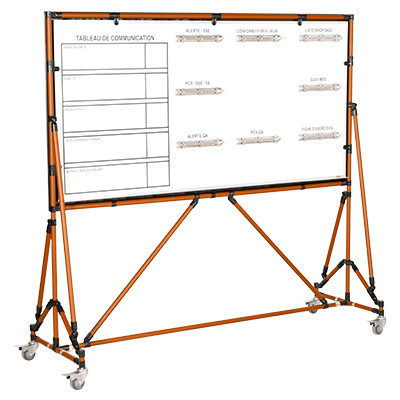
These modular boards are the most versatile and commonly used formats for daily KPI display. Single-sided boards are typically placed against walls; double-sided boards offer dual visibility in open-plan areas or between departments.
These structures are designed to host everyday visual content such as shift metrics, SQDC dashboards, or SOPs and can be updated quickly with magnetic panels or laminated sheets.
Applications:
These boards provide a scalable foundation for lean visual management, adaptable to nearly any floor layout, KPI system, or team need.
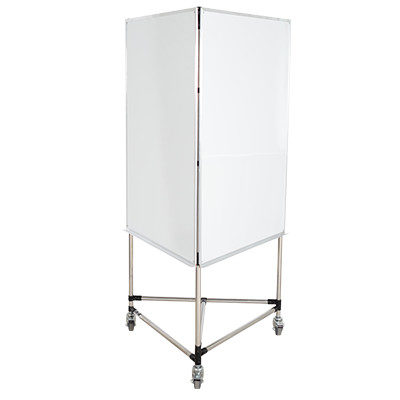
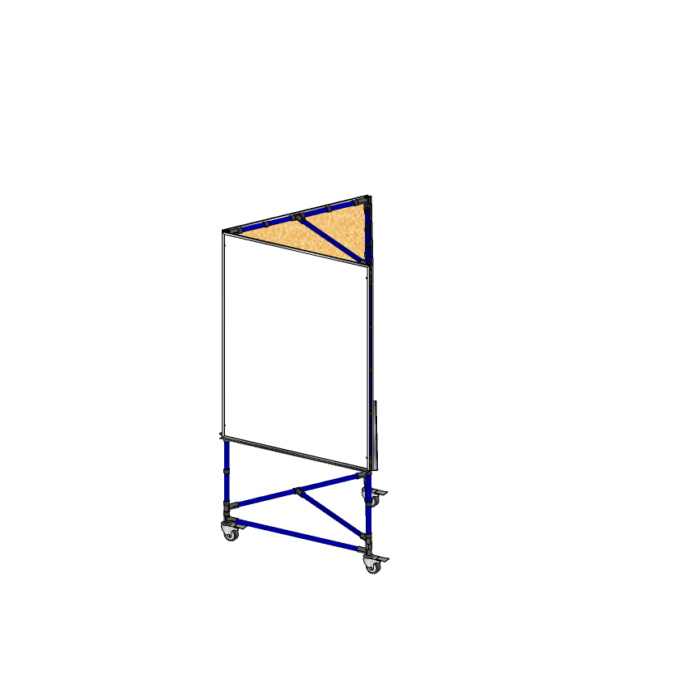
Three-sided boards combine increased surface area with efficient floor use. They’re typically placed near intersections, team zones, or shared walkways where multiple data categories must be displayed separately, for instance, deadline, objective, etc., all in one compact, space-saving location.
They organize visual content by theme or department on each panel, improving clarity and reducing visual clutter.
Applications:
Three-sided boards help create highly functional, compartmentalized communication hubs that streamline access to critical data.
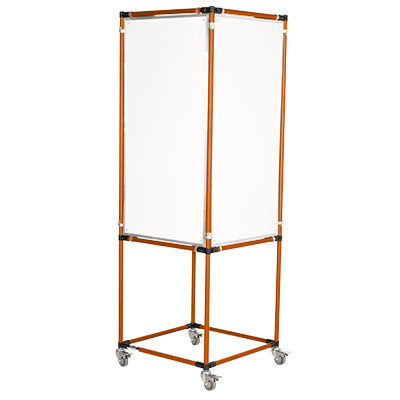
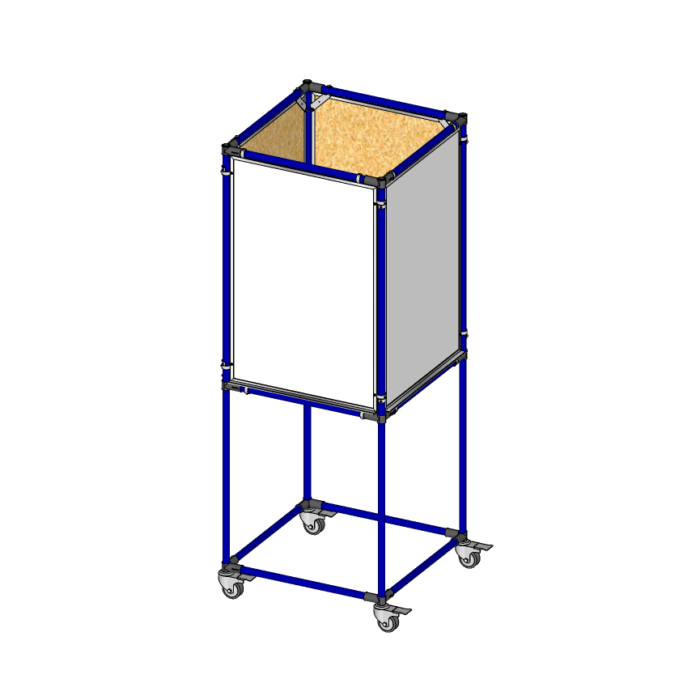
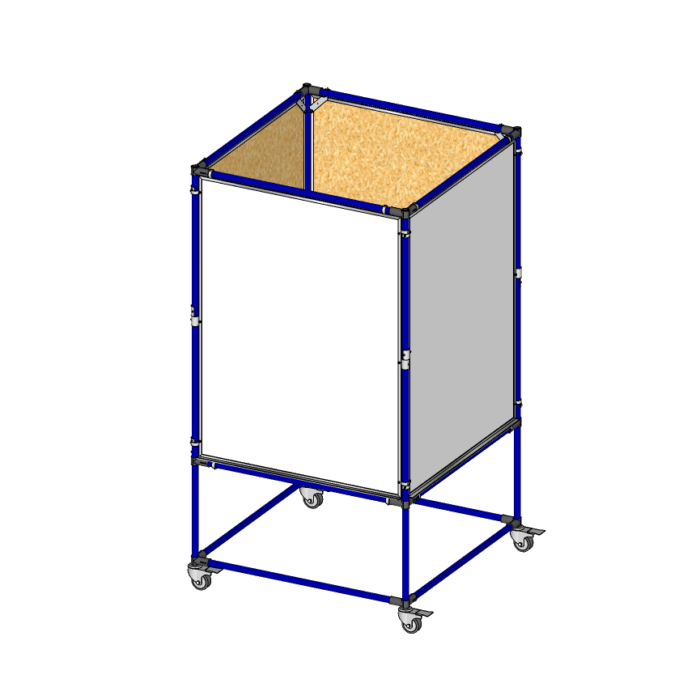
This format serves as a 360-degree central information point. With four modular display sides, it supports full-site visibility from any direction and is often placed in open production spaces or department junctions.
It’s used as a central display for all key visual management categories—supporting multiple teams, layered updates, and real-time KPIs.
Applications:
For operations requiring visible, all-angle communication across multiple shifts or departments, the four-sided tower is the most comprehensive board format.
Yes. Flexpipe’s modular system allows you to create visual management boards at any size. You can configure structures to match the available footprint in your facility using cut-to-length steel pipes and metal joints. Display surfaces can include printed posters, laminated documents, or magnetic sheets mounted on custom panels.
Flexpipe frames can be mounted on industrial-grade caster wheels, allowing you to move boards between workstations, production zones, or meeting areas. This is ideal for lean environments where layout flexibility and daily movement of information are part of standard operations.
You can build multi-sided structures such as 3- or 4-sided towers using Flexpipe’s modular system. These configurations allow you to organize different categories—like safety, quality, and production goals—on separate display faces. You can also add document sleeves, clips, or laminated surfaces for quick content updates.
Yes. Flexpipe’s modular pipe and joint system is designed for flexibility. You can add panels, reposition components, or retrofit an existing frame to include mobility, additional sides, or new content areas without rebuilding from scratch.
Yes. Flexpipe offers a full gallery of completed projects and downloadable board plans that show how other manufacturers and lean teams build and use modular display boards. These examples include bill of materials, structure layout, and configuration tips to help you start your own project.